

Azure Migrate
Azure Migrate is Microsoft's flagship cloud migration tool, offering discovery, assessment and migration services across VMware, Hyper-V, physical servers, databases and more. It is agentless, secure and scalable, with support for both public and private network deployments. It is a required prerequisite for Dr Migrate, which uses Azure Migrate's real-time performance and infrastructure metadata to drive its TCO, right-sizing and modernization recommendations.

Selecting Azure Migrate as Your Data Source
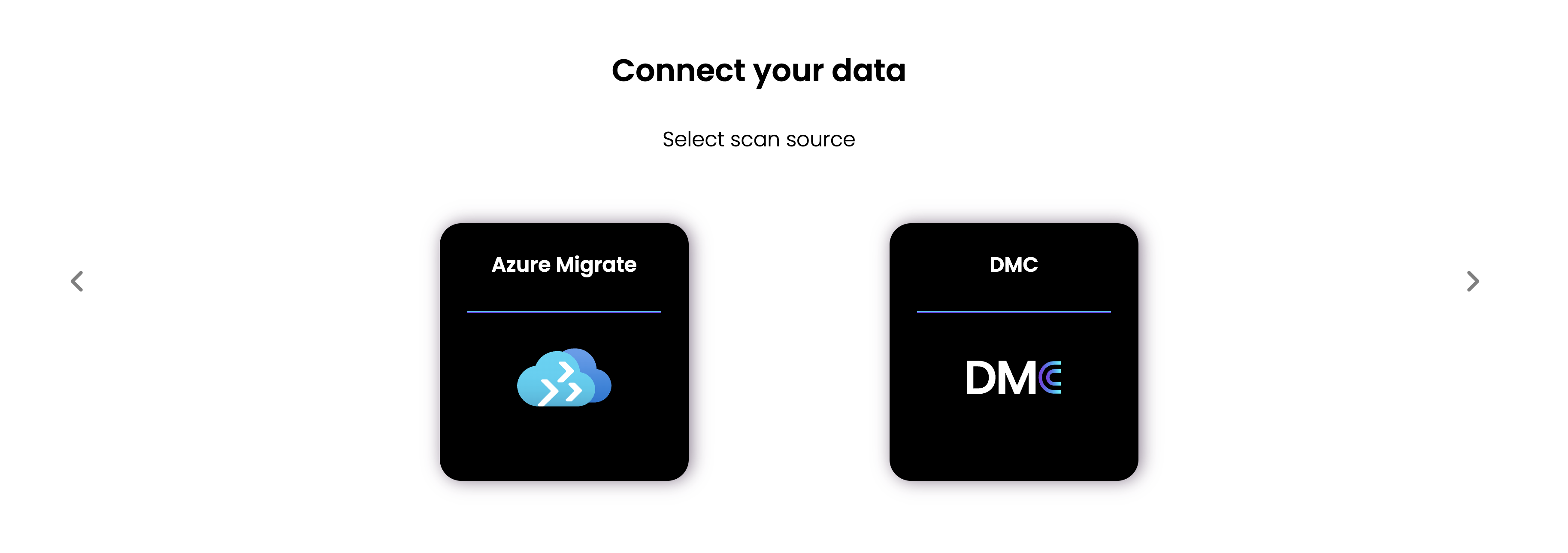
When logging in to Dr Migrate for the first time (or adding a new data source), select Azure Migrate as your Data Collection Source.
Set up for your environment
Choose your infrastructure to open a tailored Azure Migrate setup guide:
Deploy Azure Migrate in a VMware environment
Set up Azure Migrate for Hyper-V workloads
Use Azure Migrate for physical or non-virtualized servers
How Azure Migrate and Dr Migrate work together
Dr Migrate ingests Azure Migrate's collected performance and dependency data and enriches it with its own analysis. This combined approach delivers high-accuracy cost, right-sizing and modernization recommendations while keeping operational disruption to a minimum.
Learn more from Microsoft
For complete technical guidance on Azure Migrate, see the official Microsoft documentation ↗.
Azure Migrate is constantly evolving. Check the Microsoft docs for the latest supported scenarios, prerequisites and version updates.